
Port Checker vs Port Scanner: Key Differences
If you’re troubleshooting a service that should be reachable from the internet, the port checker vs port scanner question is not academic. It changes what you test, how long it takes, and what kind of answer you get. Use the wrong tool and you can waste time proving the wrong thing.
A port checker is usually narrow and intentional. You give it a host and a specific port, and it tells you whether that service appears reachable from the outside. A port scanner is broader. It probes one port, a range of ports, or many common ports to discover what is open, closed, or filtered. Both tools deal with ports, but they solve different jobs.
Port checker vs port scanner: the basic difference
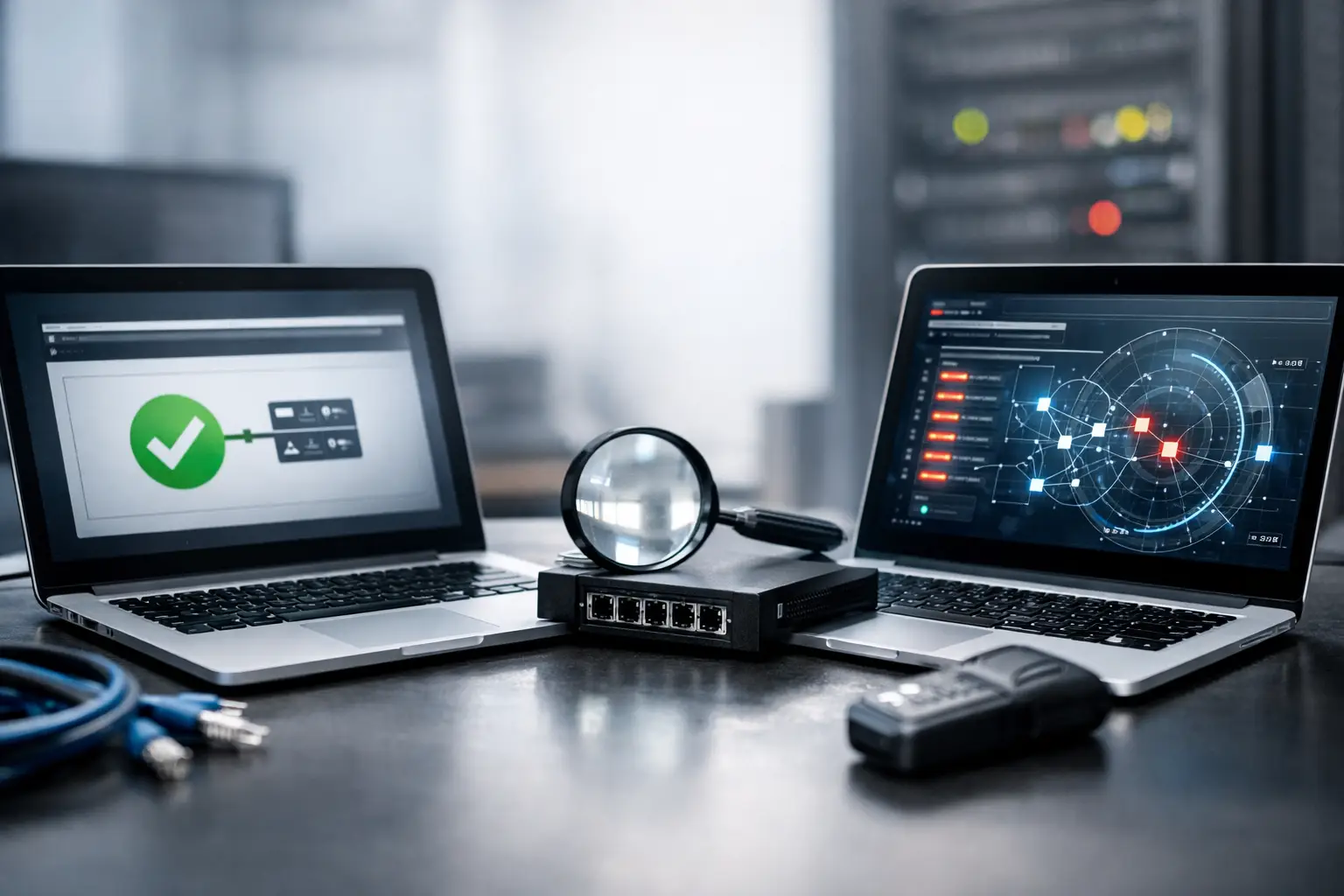
The fastest way to separate them is by purpose. A port checker answers, “Can this one port be reached?” A port scanner answers, “What ports on this host respond, and how?”
That difference matters in day-to-day operations. If you just changed a firewall rule for HTTPS on 443, a port checker is usually enough. If you’re auditing a public server before deployment, validating attack surface, or looking for unexpected exposure, a port scanner is the better fit.
A port checker is often the simpler tool for admins, hosting users, and developers who already know the target service. You do not need discovery. You need confirmation. Is 22 open for SSH from the public internet? Is 25 blocked upstream? Is 3389 still exposed after a policy change? That is the port checker’s lane.
A port scanner is built for enumeration. It helps you find services you may not know are there, whether expected or accidental. That makes it useful for security reviews, infrastructure inventory, and troubleshooting cases where the actual listening port is uncertain.
What a port checker actually tells you
A good port checker simulates an external connection attempt to a specific TCP or sometimes UDP port. The result is usually framed in plain operational terms: open, closed, filtered, timed out, or unreachable. For most users, that is enough to answer the immediate question.
The key value is perspective. If you test from the same machine or inside the same LAN, you may miss NAT issues, upstream filtering, ISP blocks, cloud security group mistakes, or edge firewall rules. An external port checker tests from outside your network boundary, which is often exactly what you need when a service works internally but fails for remote users.
There are limits, though. A port checker generally does not map the full surface of a host. It also may not tell you much beyond reachability. If the result says a port is open, that does not confirm the application behind it is healthy, correctly configured, or serving the protocol you expect. It only confirms that a connection path exists far enough to produce a positive response.
That distinction matters with web services, mail, game servers, and remote access tools. A port can be open while the app itself is broken, bound to the wrong interface, rejecting requests by source, or failing at the next protocol step.
What a port scanner is designed to do
A port scanner sends probes across multiple ports to identify exposed services. Depending on the scanner and scan type, it can provide more nuance than a basic checker. You may see whether a port is open, closed, or filtered, whether a host is responding at all, and sometimes what service appears to be listening.
For network engineers and security teams, that broader visibility is the point. A scanner can reveal drift. Maybe 8080 was left open after testing. Maybe a management interface is reachable on a nonstandard port. Maybe a host expected to present only 80 and 443 is also answering on 22 and 3306.
Scanners are also better when documentation is incomplete. If you inherit a server, migrate a service, or troubleshoot a vendor appliance with partial notes, scanning helps identify what is actually exposed instead of what people assume is exposed.
The trade-off is noise and interpretation. Broader scans take longer, may trigger alerts, and can produce misleading results when firewalls rate-limit or silently drop packets. Results also depend on scan method, target OS behavior, intermediary devices, and whether you’re testing TCP or UDP. A scanner gives you a wider picture, but not always a simpler one.
When to use a port checker
Use a port checker when the question is specific and operational. You know the host. You know the port. You need a quick external answer.
Typical cases include publishing a new web service, confirming port forwarding on a router, testing whether a cloud firewall rule is effective, or verifying that a game server or mail service is reachable from outside. This is also the right tool when support tickets say, “The service isn’t reachable,” and you want to isolate whether the path is blocked before you spend time in app logs.
A port checker is often the fastest first step after configuration changes. If the expected port is still closed externally, there is no reason to move deeper into application debugging yet. You should first check local firewall rules, listening sockets, NAT, security groups, ISP restrictions, and whether the service is bound to the correct public interface.
When to use a port scanner
Use a port scanner when you need visibility rather than confirmation. Security reviews are the obvious case, but not the only one.
It is useful before go-live, after firewall changes, during incident response, and when validating that hardening work actually reduced exposure. It also helps in environments where port assignments are inconsistent or undocumented. Instead of checking one assumption at a time, you can identify the actual externally visible ports and work from real data.
A scanner is also the better choice when the issue itself is uncertainty. If a host should be reachable but nobody knows which service is answering, scanning can narrow the field quickly.
Why people confuse the two
The overlap is real. Both tools test ports from a network perspective, and some web utilities blur the line by offering a single-port check and a limited scan in the same interface. But the workflow is different.
A port checker is a validation tool. A port scanner is a discovery tool. One confirms an expected condition. The other searches for actual conditions.
That is why the same user may need both in the same troubleshooting session. You might scan to see what is exposed, then use a port checker to repeatedly validate one service while adjusting rules and bindings.
Port checker vs port scanner in real troubleshooting
Consider a common hosting scenario. A user deploys a web app behind a cloud firewall and expects traffic on 443. External users cannot connect. A port checker against 443 is the fastest move. If it shows closed or filtered, you focus on the edge path, not the app framework.
Now consider a VM that should expose only HTTPS but is behaving strangely after a template-based deployment. A scanner may show 22, 80, 443, and 9000 open. That changes the problem. Now the issue is not only availability. It is unexpected exposure and configuration drift.
Or take a self-hosted mail server. A port checker can confirm whether 25, 465, or 587 is reachable from the public internet. But if mail flow is still inconsistent, scanning can help identify whether another service is conflicting, or whether expected ports are exposed differently than planned.
This is where browser-based tools earn their keep. When you need to test quickly without opening a full security toolkit or moving to a separate workstation, immediate external validation is often enough to cut through guesswork. Platforms such as Ping Tool Net fit that workflow because the value is speed: test the path, confirm the state, move to the next fix.
Limits, false assumptions, and edge cases
Neither tool is magic. An open port does not guarantee a usable application. A closed result does not always mean the host is down. Security controls may drop probes, allow only certain source IPs, or behave differently under scan patterns than under normal client traffic.
UDP adds more ambiguity. Many UDP services do not respond in a way that makes state obvious, so results can be less definitive than TCP. Stateful firewalls, carrier filtering, reverse proxies, and DDoS protection layers can also distort what you see.
There is also the issue of authorization. Scanning systems you do not own or manage can violate policy or trigger defenses. For internal teams, the right practice is simple: scan only assets you are authorized to test, and match the tool to the scope of the job.
Which one should you start with?
If you already know the service and port, start with a port checker. It is faster, cleaner, and usually sufficient for confirming reachability. If you do not know what is exposed, or you need to verify the broader attack surface, start with a port scanner.
In practice, the best workflow is often sequential. Check the one port you care about first. If the result does not match expectations, expand to scanning. That keeps troubleshooting focused while still giving you a path to wider visibility when needed.
The useful habit is not choosing one tool forever. It is knowing whether your next question is about confirmation or discovery, and picking the tool that answers that question with the least friction.

Leave a Reply